Short answer: for a first picture, start with FLUX.2 Klein 4B: it is the smallest and the one we have restored most often. For video from a prompt, Wan 2.2 5B. For photo-real pictures, Z-Image-Turbo. For making a character copy the movement in a video, Wan Animate 2, which we have only restored once. Everything below is what we measured, not a ranking: we ran each of these ourselves, on RunPod machines, and we haven't compared them against anyone's benchmark.
Each setup is a starter nest: a run we got working, then packed. You take it with a free account, rent a GPU in your own account, and paste one command. See Try a starter nest for the steps, and the environments page for the current list.
I want a first picture from a prompt
FLUX.2 Klein 4B. A text-to-image setup, 12.5 GB. We restored it on an RTX 3090, 4090, 5090 and A5000. Rendering took 6 to 12 seconds on each, and the whole restore, from pasting the command to the finished test picture, took between 1 minute 37 seconds and 3 minutes 30 seconds.
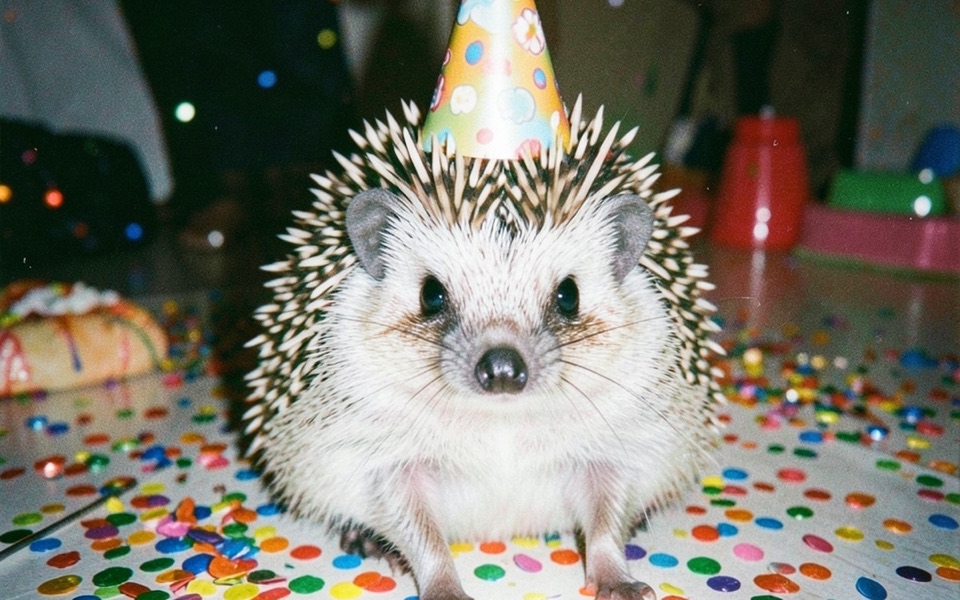
We compared the pictures from the other cards with the original one side by side in FLUX.2 Klein 4B on a 3090, 4090, 5090 and A5000.
I want photo-real pictures
Z-Image-Turbo. Also text to image, 20.7 GB. We restored it on an RTX 3090, 4090 and 5090. Rendering took 9 to 19 seconds. Start to finished picture was 2 minutes 12 seconds on one 4090, 4 minutes 23 seconds on a 3090 and 5 minutes 1 second on a 5090. One more 4090 run took 30 minutes 33 seconds: nearly all of that was installing the Python packages, which took 26 minutes on that machine and between 25 and 104 seconds on the others. We don't know why.

I want a short video from a prompt
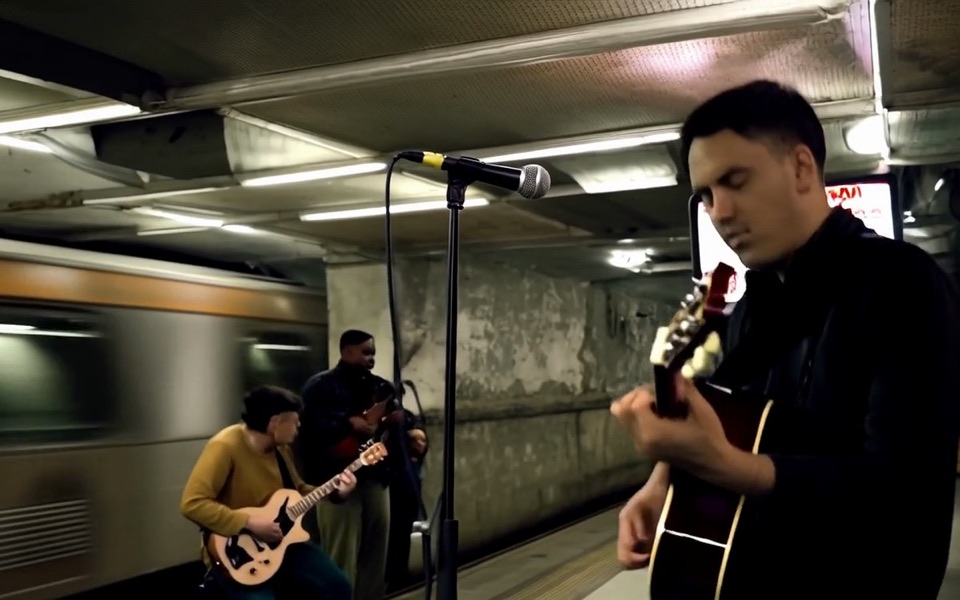
Wan 2.2 TI2V 5B. Text to video, 18.2 GB. We restored it on an RTX 3090, 4090, 5090 and A5000. Rendering a short clip took 48 to 124 seconds and the whole restore 3 to 9.5 minutes. The longest wait is the download or, on the slowest run, the package install. We went through the rows in Wan 2.2 5B text-to-video on rented GPUs.
I want a character to copy the movement in a video
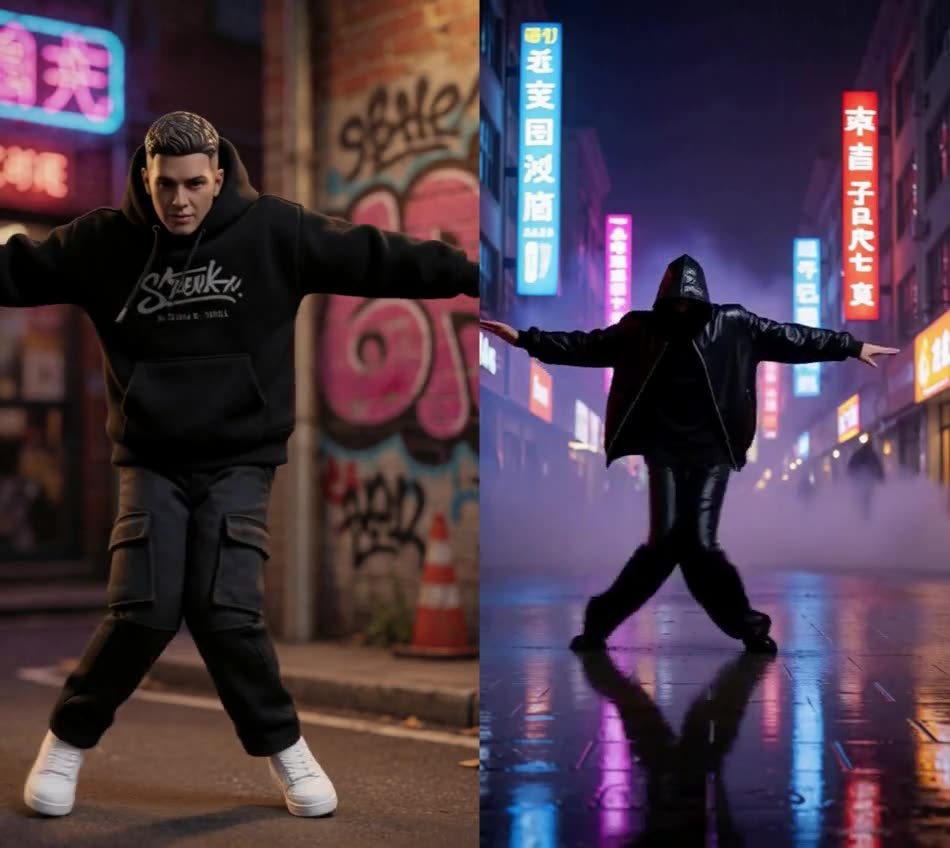
Wan Animate 2. This one takes an input image and an input video, and it is the biggest at 24.9 GB. We have restored it once, on an A40 with 45 GB of video memory, and the test render alone took about 8 minutes (472 seconds); the whole restore took 12 minutes 33 seconds. Because it is a single run, we can't tell you how it behaves on a smaller card.
How the four compare, in one table
| Setup | Makes | Size | Cards we restored it on | Test render |
|---|---|---|---|---|
| FLUX.2 Klein 4B | Pictures | 12.5 GB | RTX 3090, 4090, 5090, A5000 | 6–12 s |
| Z-Image-Turbo | Pictures | 20.7 GB | RTX 3090, 4090, 5090 | 9–19 s |
| Wan 2.2 TI2V 5B | Video | 18.2 GB | RTX 3090, 4090, 5090, A5000 | 48–124 s |
| Wan Animate 2 | Video from an image and a video | 24.9 GB | A40, once | 472 s |
Video memory on those cards: 24 GB on the 3090, 4090 and A5000, 32 GB on the 5090, 45 GB on the A40. We haven't tried any of these on a card with less.
What we haven't said
- No ranking. We haven't compared the quality of these models with each other or with anyone else's.
- Licences. The publishers' repositories for all four are tagged Apache-2.0. Read the licence yourself before you use one commercially.
- Prices. We leave GPU prices out because they change by the hour.
- "Restored" means files and dependencies came back, checked, and the workflow ran once. It doesn't mean any other workflow you load will run.
- The times are single runs on RunPod, on the day we ran them. They will differ for you.